Download Templates

You may also like…

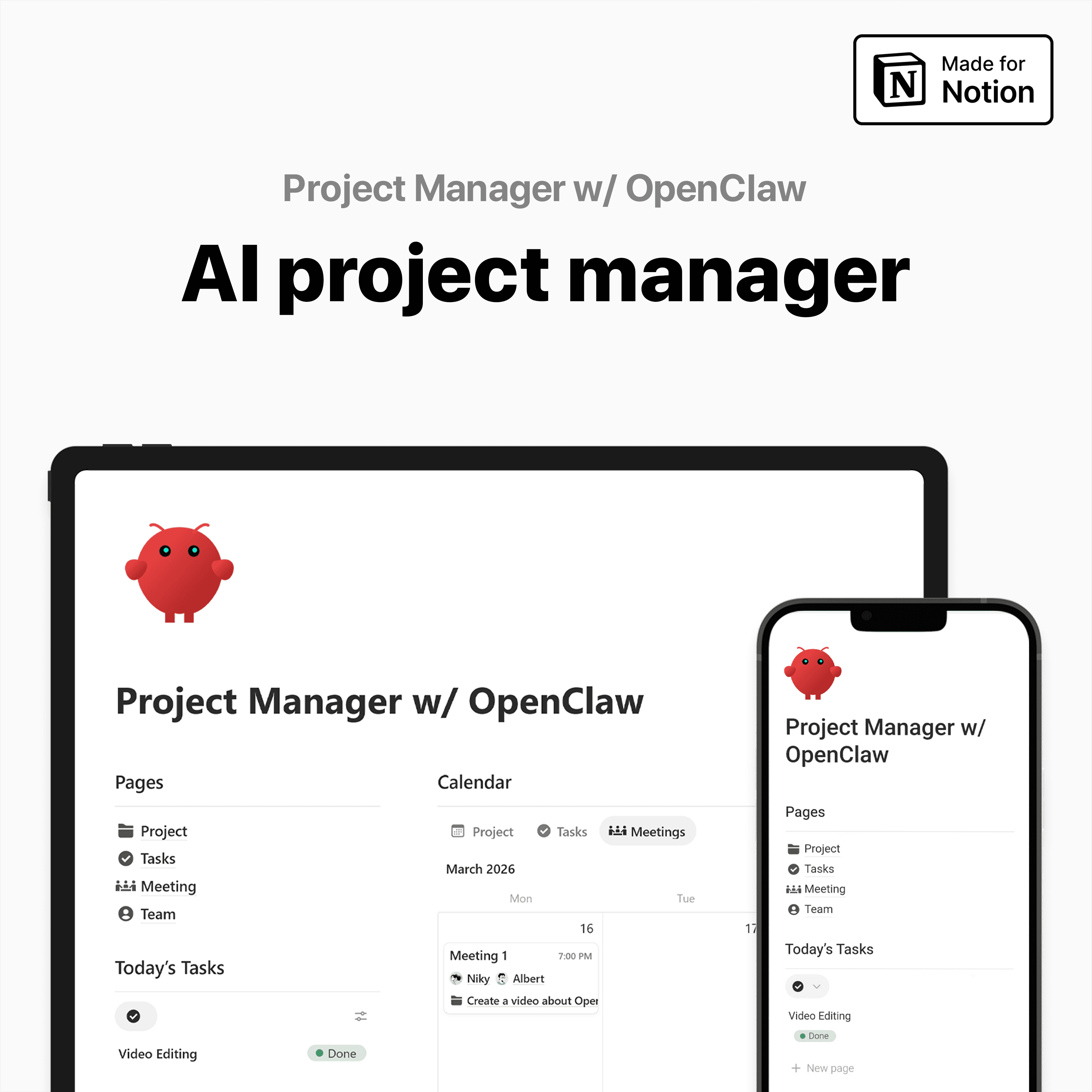
I connected OpenClaw to Notion through Telegram to see whether an AI assistant could handle real project management work. After a quick setup with the Notion API, it could audit my workspace, create timelines, assign tasks by availability, and even schedule meetings that actually made sense.
What is OpenClaw?
If you haven’t seen OpenClaw before, think of it as an AI workspace operator. It connects language models, chat channels, and external tools so one prompt can trigger actual work. Instead of acting like a chatbot that only replies, OpenClaw can read structured data, use APIs, and carry out actions inside tools like Notion while you control it from Telegram.
What makes OpenClaw interesting is that it doesn’t really behave like a normal assistant. It feels closer to handing a task to someone who already knows where everything lives. Once connected to Notion, it can read the structure of a workspace, understand relationships between databases, and then act through Telegram like that was always the natural control panel.
1) How I Realized OpenClaw Could Run My Notion Workflow From Telegram
I had this tiny “wait… what?” moment when I sent one message in Telegram and my day basically planned itself, before I even opened Notion. Just a simple prompt, and my Telegram AI assistant (powered by OpenClaw) kicked off the whole machine.
One Telegram Message That Triggered My Notion Project Workflow
Within minutes, my Notion planner spun up the full admin soup:
new project timelines
tasks and priorities
team assignments
meetings (actually scheduled, not “suggested”)
And here’s the part that made it feel almost illegal: it didn’t just follow commands. It checked everyone’s availability, assigned work to whoever was free, and booked meetings at logical times. That “explainable” decision-making is what makes me trust it, because I can see why it chose what it chose.
A 24/7 secretary that pings me first
Every morning, it pushes my full schedule to Telegram: what I need to do today, the one task to focus on, and when I’m meeting clients. As someone running multiple companies, reducing context switching is everything. Tools like this get adopted fast because they don’t ask me to form new habits.
It’s like that one hyper-competent ops friend who somehow knows everyone’s calendar.
Honestly, it’s already saving me thousands of dollars in labor and operational costs.
2) My OpenClaw Setup: agent + channels + API key
The stack: OpenClaw agent + GPT codecs + Telegram automation
I’m building a startup called Craften, and while setting up a fresh Notion project dashboard for the team, I wired up an OpenClaw agent named “Notion Planner”.
My stack was simple: GPT codecs as the LLM provider and Telegram as the command center. Once those channels were connected, I initialized the agent inside Telegram.
Why the OpenClaw Onboarding Flow Makes Setup Easier
It doesn’t just wait for commands, it interviews you. It asks who you are, how your system works, and how work is structured. That onboarding flow actually reduces setup errors and makes the assistant feel smarter, because it’s building context instead of guessing.
How I Set Up the Notion API for OpenClaw Safely
Create a Notion integration and generate a key (your Notion API setup moment).
Authorize one dashboard page for access.
Paste the key back into Telegram.
I limited access to a single dashboard page as a practical safety boundary for early experiments, no need to hand over my whole digital life.
Checking Notion Skills Before Connecting the Workspace
First thing I asked: do you already have Notion Skills installed? If not, install them. If yes, just take the API key. Pasting keys into chat felt scary, so I tested in a throwaway workspace first.
3) Letting OpenClaw Audit My Notion Workspace Before It Changed Anything
Before I let the OpenClaw agent touch anything, I asked it for a full Notion workspace audit. Not “do the work”, just inspect the whole system first. Because automation is only smart when it has context: the Notion database structure, the relationships between databases, and who owns what.
creating data is easy, creating reasonable data is hard
If you skip the structure step, you get garbage data fast: tasks in the wrong project, meetings filed like notes, random people assigned as owners. So I told it, “look through everything, understand how this dashboard works.”
How OpenClaw Mapped My Notion Databases and Relationships
Projects database: found
Tasks database: found
Meetings database: found
Team members database: found
It didn’t just list them, it mapped where they live and how they connect. Founder confession: I’ve built dashboards that even my own team can’t decode without a tour. OpenClaw decoded mine in one pass.
Then came the spooky flex: it figured out which team member entry was me. That’s when I realized it could basically take over my dashboard if I let it.
Small caution: do your first audit in a sandbox or a copied dashboard, just to be safe.
4) Testing OpenClaw in Notion: Calendar Queries, Projects, and Task Assignment
Test 1: Asking OpenClaw About My Notion Meetings
I started with the simplest OpenClaw secretary setup check: I created 2 dummy meetings in my Notion dashboard and asked in Telegram:
“What meetings do I have this week?”
It nailed it. It listed both meetings correctly, including who they were with and what project they belonged to. Then it did the thing that makes people feel real assistance: it surfaced a time-sensitive reminder, one meeting was happening in 25 minutes. That proactive nudge is what turns a bot into an actual helper.
Test 2: Creating a Notion Project and Assigning Tasks Automatically
Next I tried to break it with a full Notion project management request:
The project got created. The tasks got created. Every task got assigned using availability as a practical heuristic (which, for small teams, really cuts PM overhead).
When OpenClaw Started Scheduling Meetings on Its Own
I never told it to add meetings. It inferred coordination needs and scheduled them anyway. Then it built a full 3-week production cycle and summarized the weekly execution plan.
Wild-card: imagine sending that message while boarding a flight, and landing with a complete plan waiting in Notion.
5) Reviewing the Output: Did the OpenClaw Notion Workflow Actually Make Sense?
After OpenClaw finished, I did what I always do with an AI project timeline: I stopped admiring the volume and opened my Notion dashboard review. Creating data is easy. Creating reasonable data is hard. Surprisingly, this plan held up.
The project start date and due date were logical. The task dates didn’t feel random, and the assignees weren’t scrambled. Nothing looked messy or “auto-generated for the sake of it.” The meetings were also realistic. Kickoff meeting, check-ins, and even a front-end handoff discussion. That stuff actually belongs in a dev workflow, which is exactly what I want from an OpenClaw Notion workflow.
One catch: Telegram couldn’t display its markdown tables cleanly, so I pasted everything into Notion. The moment it lived in the system of record, the reasoning became legible, and that’s where trust increases. I could see the narrative logic: UI/UX design on March 18, then Leo’s development work on March 20, plus a handoff meeting between Ivya and Leo on the same day. Design first, then build, then handoff. Human sense.
My takeaway: always review the first few runs. Treat it like a junior PM with super speed, especially when it can create meetings and commitments, like scheduling a kickoff at 10am when I forced the project to start “today.”
TL;DR: I connected OpenClaw to Notion via a Notion API and ran it through Telegram. After a short “onboarding interview,” it could read my workspace, create projects, assign tasks by availability, and even schedule sensible meetings, basically a 24/7 secretary.

Albert
Notion Creator & Ambassador
Notion Recommended Creator, Productivity Expert, Youtuber, Founder of a Video Production & Marketing Company


Subscribe to our newsletter
Tips, Tools, Tutorials, Templates and systems for maximum efficiency.
Unsubscribe anytime.