Project Manager with OpenClaw
Project Manager with OpenClaw
Project Manager with OpenClaw
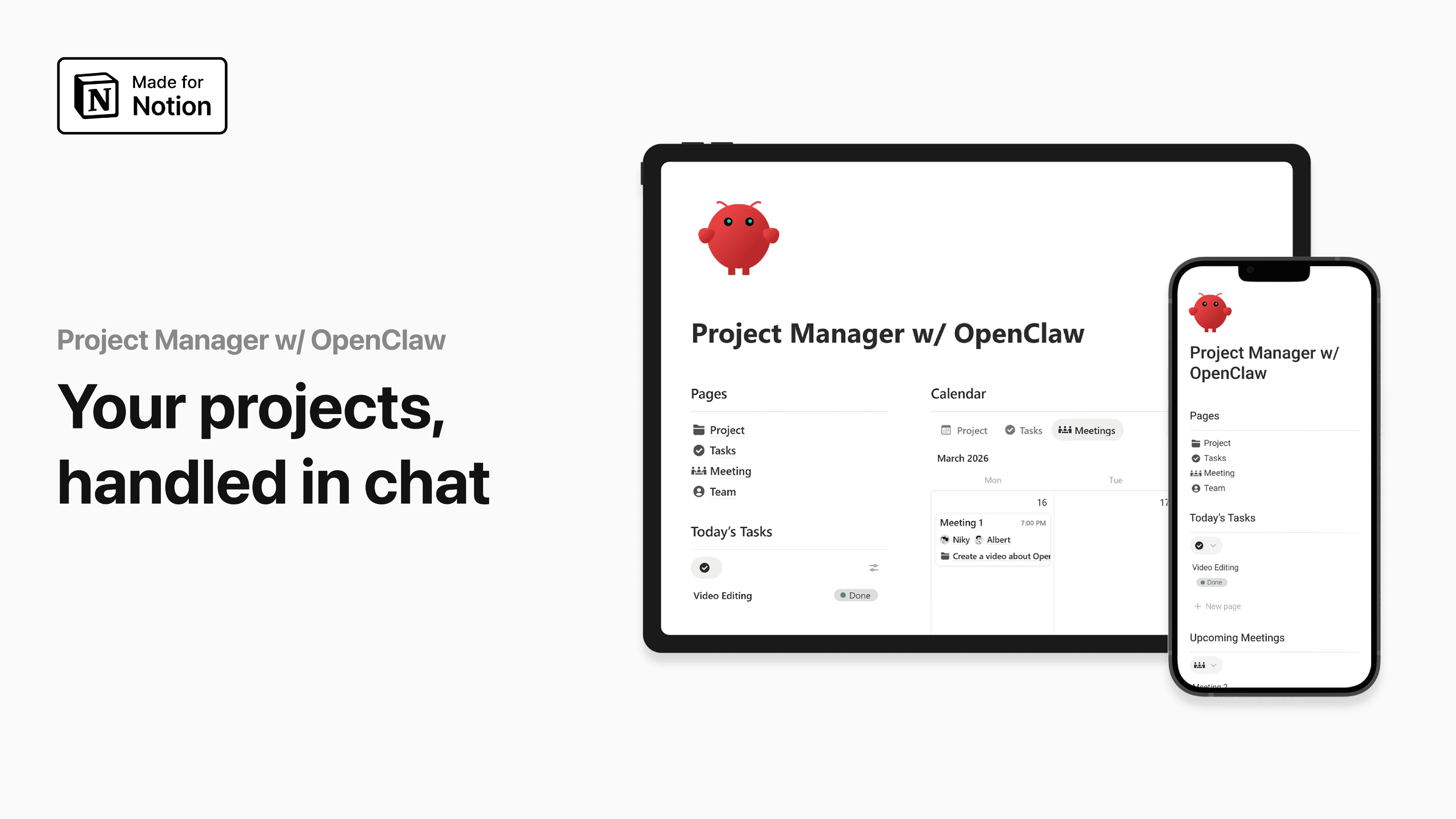
AI project manager inside Notion
I originally built this because updating projects manually was starting to waste too much time. Once OpenClaw is connected to Notion, a lot of the project setup work happens in the background. You send a message through Telegram, and the system creates the project, builds the timeline, adds tasks, assigns people, and even schedules meetings if they are needed.
Key Features:
AI Project Creation: Create full projects directly from Telegram
Automatic Timeline Builder: Generate realistic timelines based on task flow
Smart Task Assignment: Assign work according to team availability
Meeting Scheduling Logic: Add meetings when project flow requires them
Daily Schedule Briefing: Receive task and meeting summaries automatically
Telegram Integration: Manage your Notion dashboard through chat
Voice Progress Update: Update task status using voice messages
Workspace Analysis: Let OpenClaw inspect your database structure first
OpenClaw Setup Prompts Included: Ready-to-use prompts for initialization and workflow setup
Notion API Connection Guide: Connect your dashboard correctly without guesswork
AI Agent Instruction Prompts: Prompt pack for teaching OpenClaw how your workspace works
Prompt Examples for Project Creation: Copy-ready prompts for projects, tasks, and scheduling
Prompt Examples for Team Assignment Logic: Help the AI assign tasks more intelligently
This saves a surprising amount of operational time once everything is connected.
AI project manager inside Notion
I originally built this because updating projects manually was starting to waste too much time. Once OpenClaw is connected to Notion, a lot of the project setup work happens in the background. You send a message through Telegram, and the system creates the project, builds the timeline, adds tasks, assigns people, and even schedules meetings if they are needed.
Key Features:
AI Project Creation: Create full projects directly from Telegram
Automatic Timeline Builder: Generate realistic timelines based on task flow
Smart Task Assignment: Assign work according to team availability
Meeting Scheduling Logic: Add meetings when project flow requires them
Daily Schedule Briefing: Receive task and meeting summaries automatically
Telegram Integration: Manage your Notion dashboard through chat
Voice Progress Update: Update task status using voice messages
Workspace Analysis: Let OpenClaw inspect your database structure first
OpenClaw Setup Prompts Included: Ready-to-use prompts for initialization and workflow setup
Notion API Connection Guide: Connect your dashboard correctly without guesswork
AI Agent Instruction Prompts: Prompt pack for teaching OpenClaw how your workspace works
Prompt Examples for Project Creation: Copy-ready prompts for projects, tasks, and scheduling
Prompt Examples for Team Assignment Logic: Help the AI assign tasks more intelligently
This saves a surprising amount of operational time once everything is connected.
Refund Policy
Testimonials & Reviews
Hear What Our Users Have to Say
Project Manager with OpenClaw
Free
Version
1.0
Access
Lifetime
Updates
Lifetime
Step by Step Tutorial
Grab it!
Subscribe to our newsletter
Tips, Tools, Tutorials, Templates and systems for maximum efficiency.
Unsubscribe anytime.